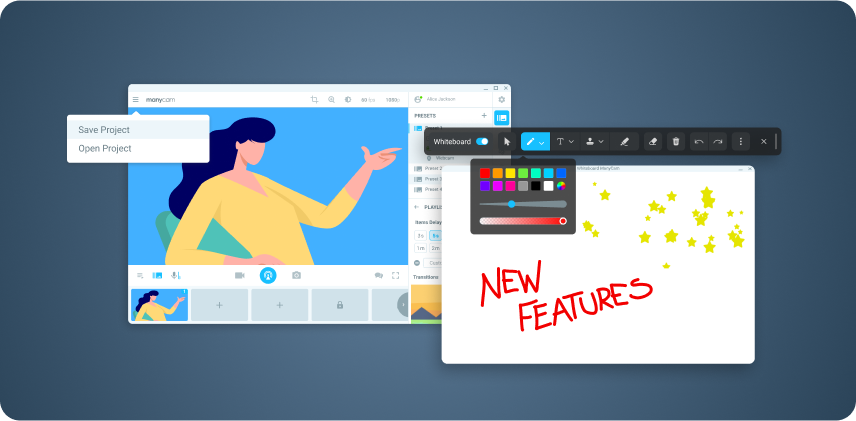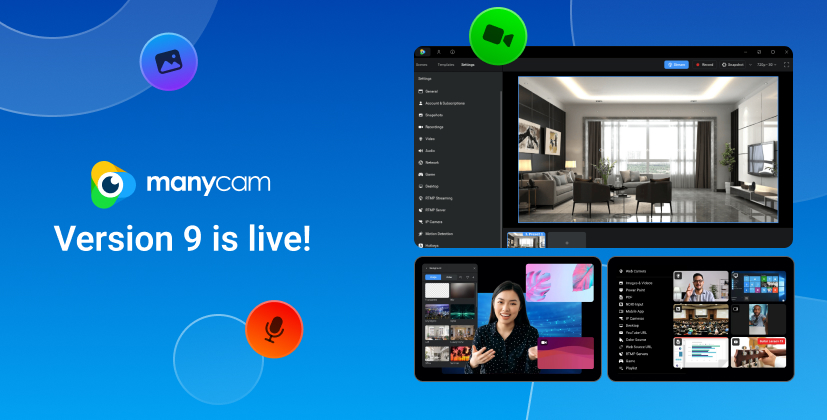
In today’s digital-first world, video communication has become essential for businesses, educators, content creators, and remote teams. ManyCam 9 represents a significant step forward in virtual camera and live streaming technology, offering a more intuitive interface, enhanced customization options, and powerful production tools designed to help users create professional-quality video content with ease.
ManyCam integrates with popular platforms such as Zoom, Microsoft Teams, Google Meet, Facebook Live, YouTube, WhatsApp, TikTok and Twitch, enabling users to create dynamic and engaging video experiences without requiring expensive production equipment.
Whether you’re teaching an online course, hosting a business presentation, streaming content, or conducting virtual meetings, ManyCam 9 provides the tools necessary to transform a standard webcam feed into a professional broadcast.
Download ManyCam 9 for free here!
What’s new in ManyCam 9
Modern User Interface
ManyCam 9 introduces an updated interface designed for improved usability and productivity. Notable improvements include:
- Quick Start Templates
- Better organization of tools and settings
- Streamlined workflow for creators and professionals
- Dark Mode and Light Mode
The refreshed interface makes advanced features easier to access and manage.
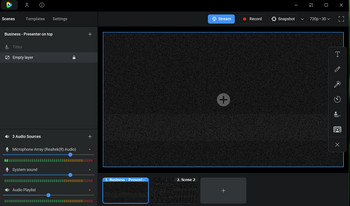
Learn more on the new ManyCam 9 interface!
New Realtime Toolbar
A newaddition in ManyCam 9 is the Realtime Toolbar, which provides instant access to key production tools while live. Users can quickly:
- Add text overlays
- Apply effects
- Display time and timers
- Draw on screen
- Activate virtual backgrounds
- Insert titles
This feature simplifies live production workflows and helps creators interact with their audience more effectively.
Learn more on realtime toolbar!
Extensive Templates Library
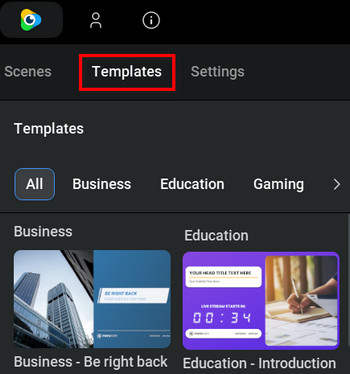
ManyCam offers a wide selection of professionally designed, ready-to-use templates that help users create polished video content without spending time on complex setup. Whether you’re hosting webinars, teaching online classes, conducting business presentations, recording tutorials, or live streaming on social media, there is a template designed to fit your needs. These pre-built layouts include thoughtfully arranged cameras, media sources, overlays, and branding elements that can be customized to match your style. ManyCam templates library has 5 categories: Business, Education, gaming, Music and Sports.
Overall performance
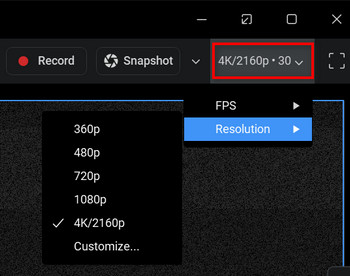
ManyCam 9 delivers significant performance improvements across the platform, making it easier than ever to create high-quality live videos. ManyCam supports both Full HD (1080p) and 4K (2160p) resolutions. ManyCam comes with up to 200 video presets for streams and video calls.
What’s improved in ManyCam 9?
Scenes Tab
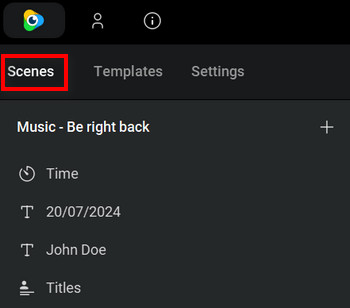
ManyCam 9 introduces the all-new Scenes tab, designed to give creators a more intuitive and efficient way to organize live video productions. Each scene displays the list of elements composing your preset, and you can rearrange the order of all your elements.
4K Video Output
Take your video quality to the next level with 4K Video Output in ManyCam. By supporting ultra-high-definition resolution, ManyCam enables creators, businesses, educators, and streamers to deliver incredibly sharp and detailed video content.
Enhanced Virtual Background
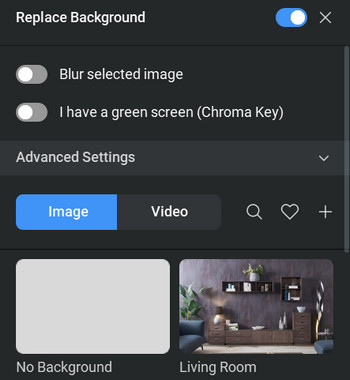
ManyCam’s Virtual Backgrounds feature has been significantly improved to provide a more seamless and user-friendly experience. The updated interface offers a cleaner, more intuitive design. A redesigned menu structure helps you access settings and customization options more efficiently, allowing you to focus on your content instead of setup. In addition to the improved UI, ManyCam now includes a larger collection of built-in virtual backgrounds.
Multiple picture-in-picture layers in one scene
ManyCam has improved the multiple Picture-in-Picture (PiP) layers within a single scene. Instead of being limited to one overlay, you can combine multiple cameras, screen shares, videos, images, logos, and graphics in the same scene. This makes it easy to build professional-looking broadcasts with customized visual arrangements that suit your content and audience.
We have a lot more to come, so stay tuned!